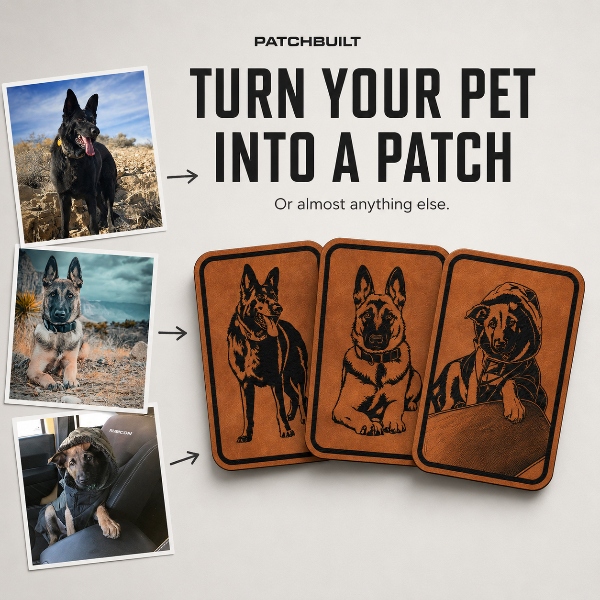
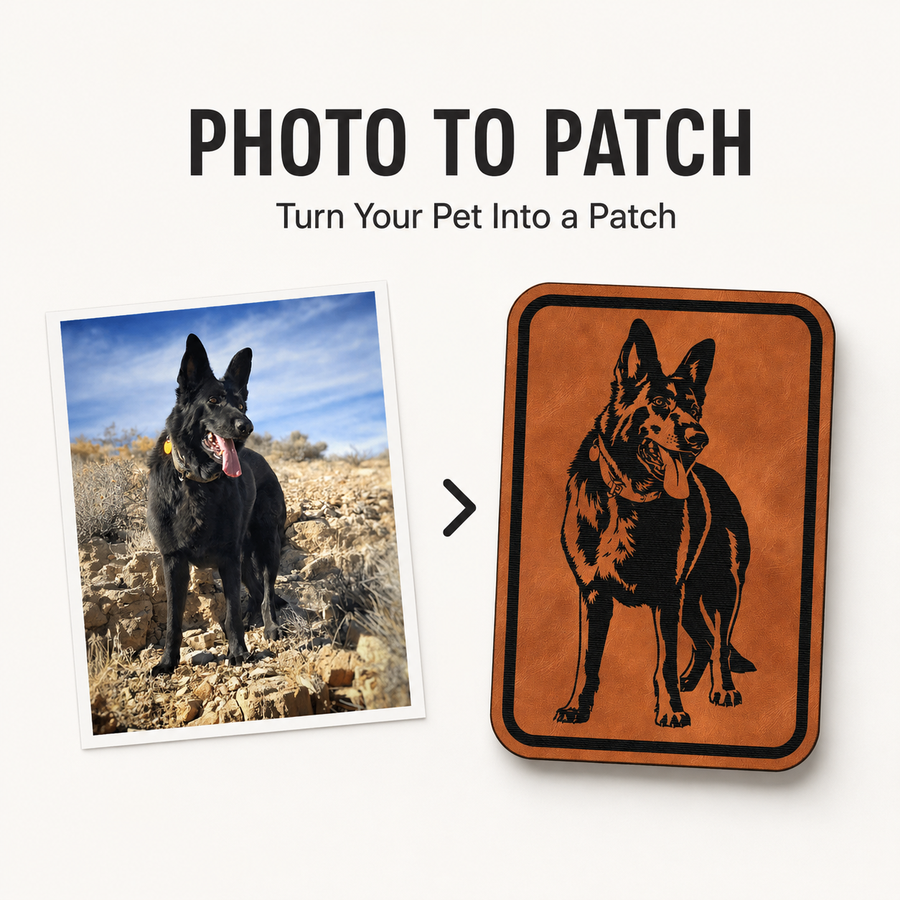
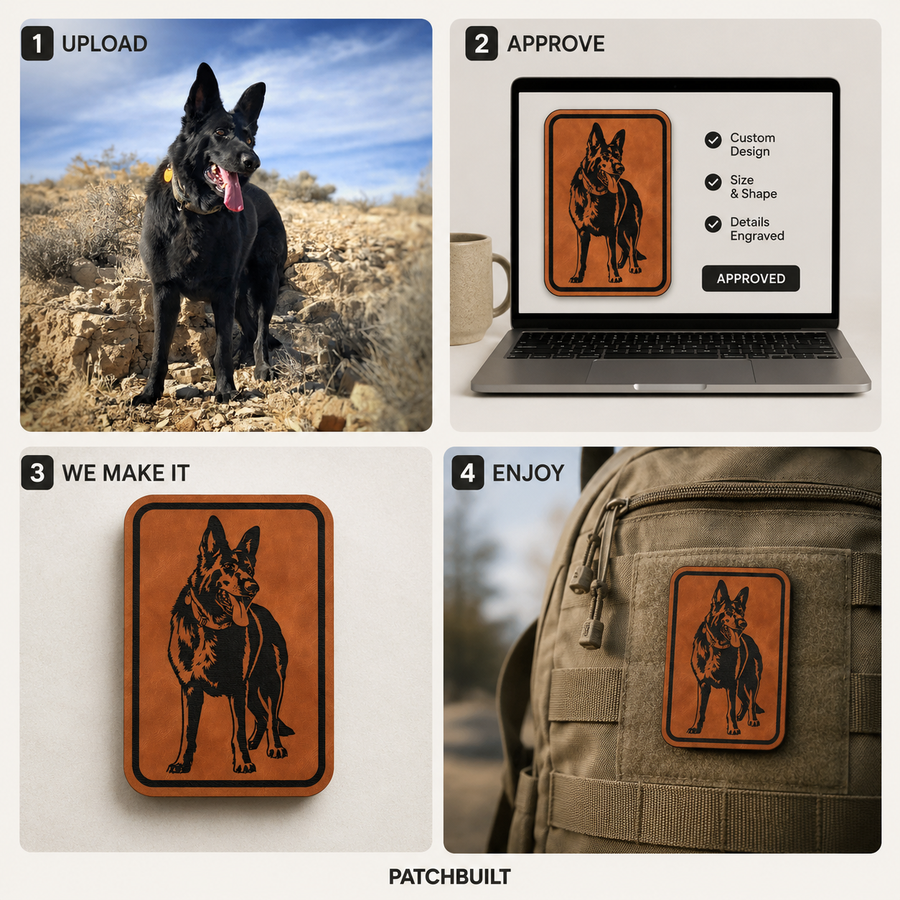
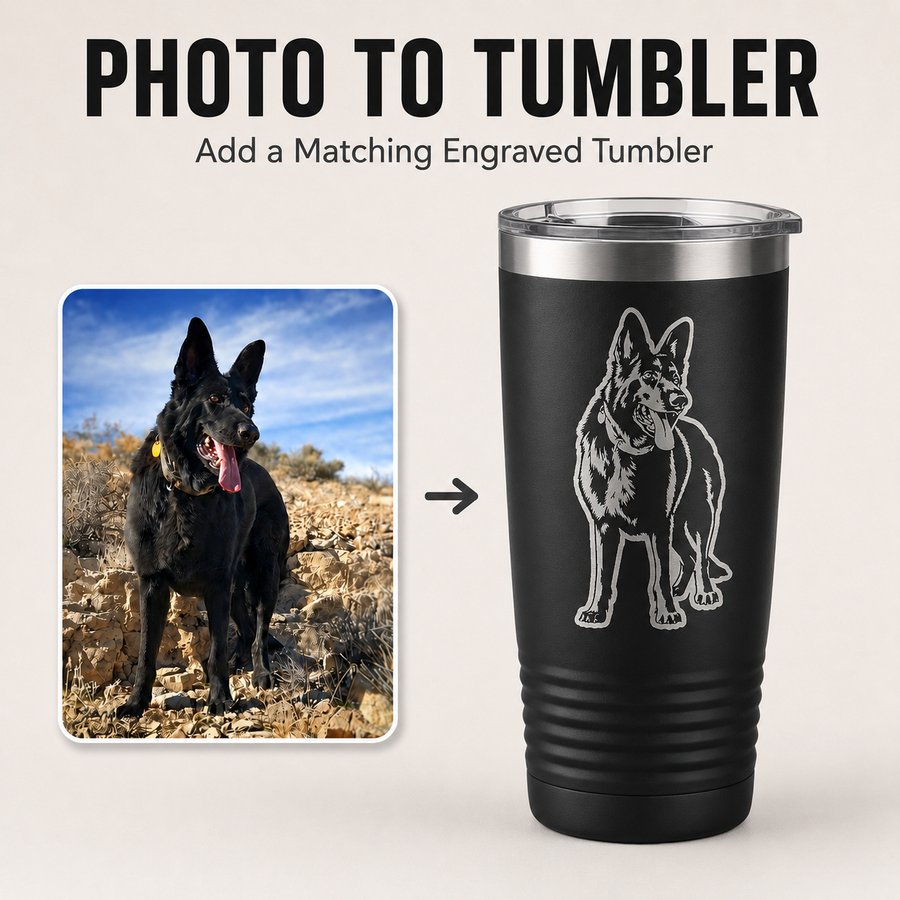
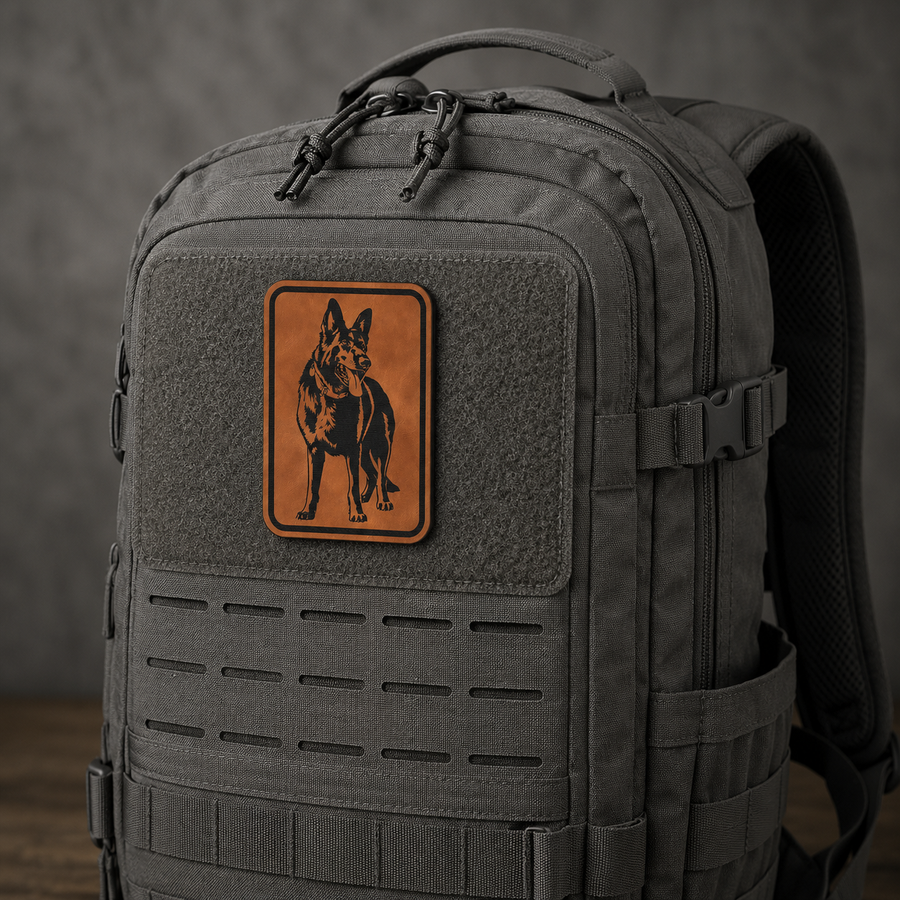
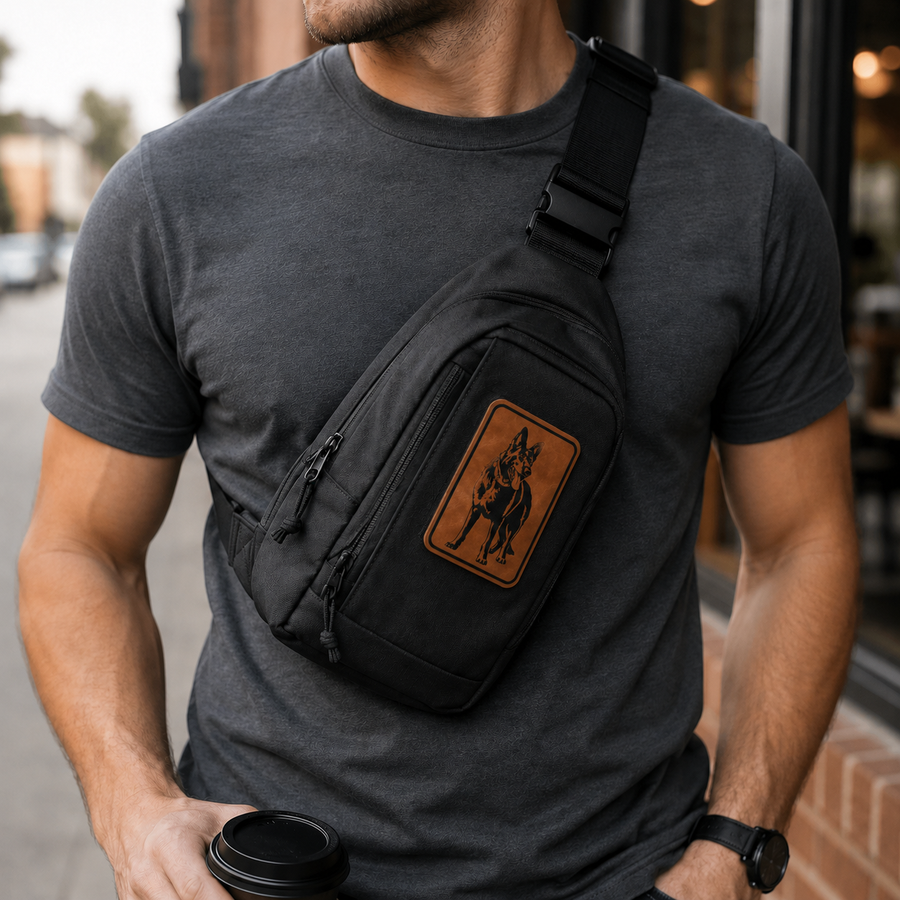
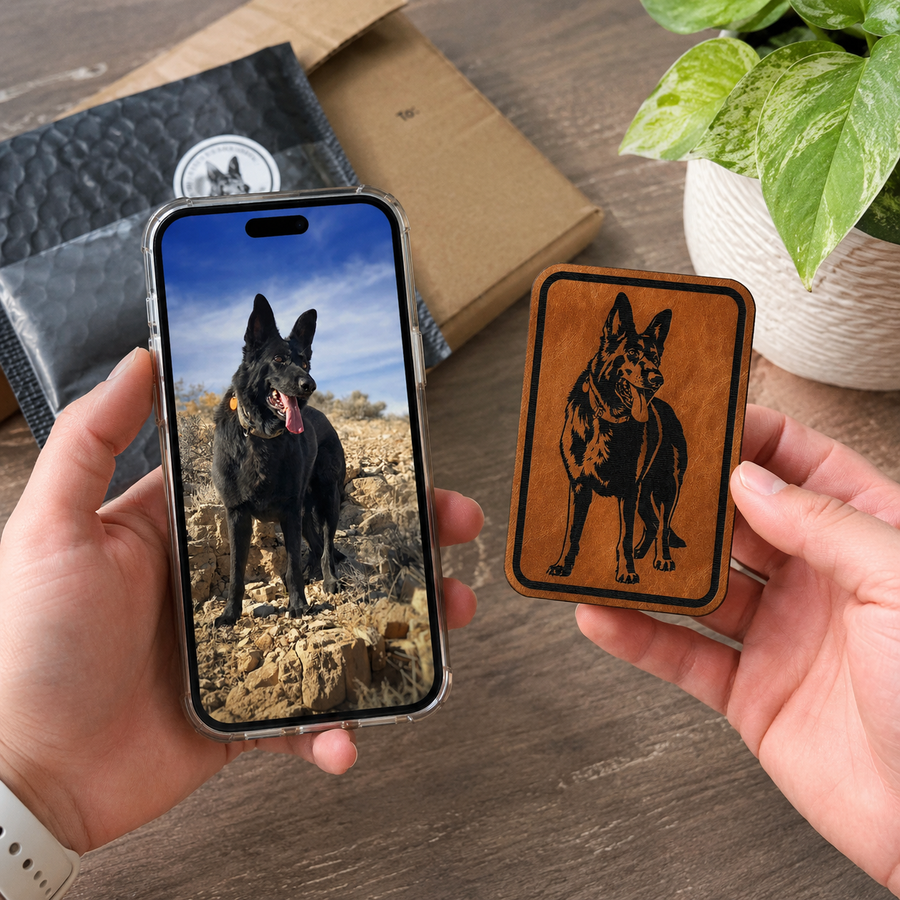

“They got it perfect. I love it. Fastest delivery too!”
Luis · Custom Pet Portrait Patch
Upload artwork. Add text. Preview it. Order it.
Use the builder below to create your custom patch online. Stack images and text into layers, adjust the layout, choose your patch shape, select your backing, preview the design, and place your order directly from this page.

Stack images and text into layers, position them freely within your patch shape, and configure your order — all in one place.
All layer source files, a merged production artwork, and your mockup are attached to your order automatically.
Our Patch Builder Studio is currently designed for desktop use so you can upload,
position, resize, and review your patch artwork accurately.
Please open this page on a desktop or laptop to continue.
You can return to our homepage below.
PatchBuilt has worked with fire departments, police departments, government organizations, businesses, makers, and service brands for custom leatherette patches, acrylic patches, engraved patch designs, and branded gear patches.


Verified GovX members receive 20% off when purchasing 3 or more PatchBuilt leatherette patches, tactical patches, morale patches, dog patches, or gear patches.
PatchBuilt offers a GovX verified member discount on eligible custom patches, leatherette patches, tactical patches, morale patches, law enforcement patches, fire department patches, military-style patches, dog patches, and everyday carry gear patches.